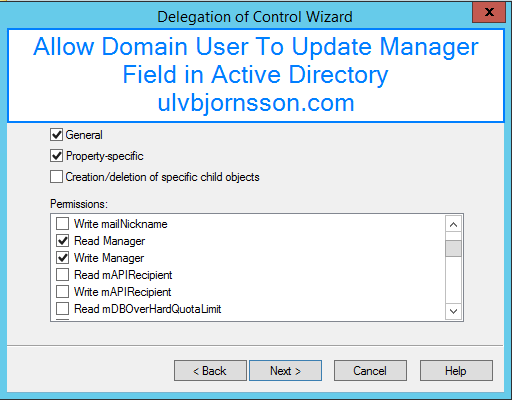
In this article we’ll go through the steps to allow a domain user that is a member of a security group, to update the manager field in Active Directory.
So open up Active Directory Users and Computers and create a Security Group that we will delegate control to, for this example we have created a group called “RL_Update_AD_Users_Manager_Field”
Now we have to also choose the container that this group can edit Users in to for this example we have a “Users”-container in our “domain“.
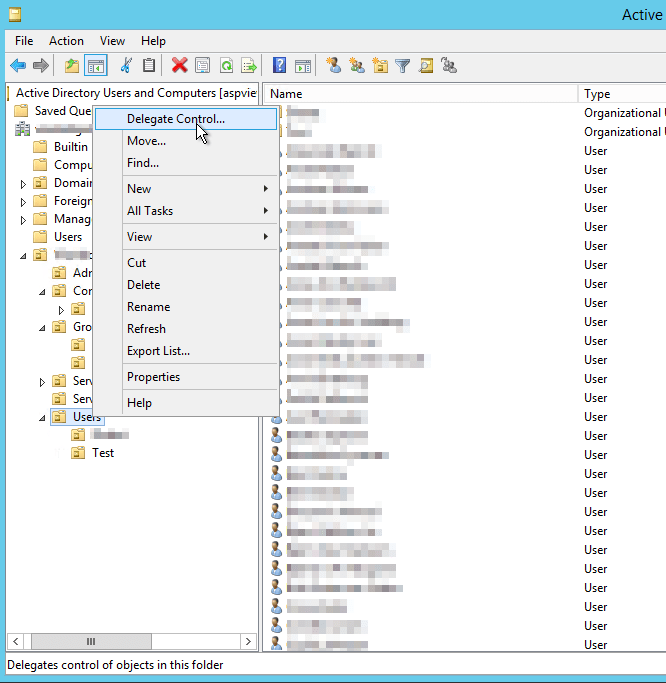
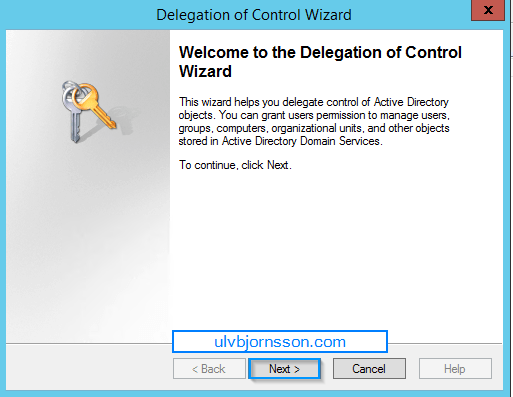
This opens up the Delegation of Control Wizard. Hit Next.
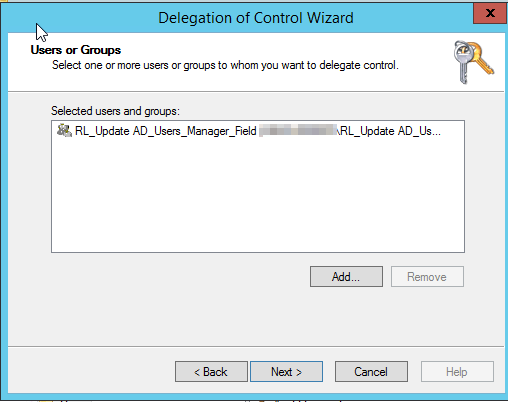
To add a user or group hit Add. Once you are done hit Next.
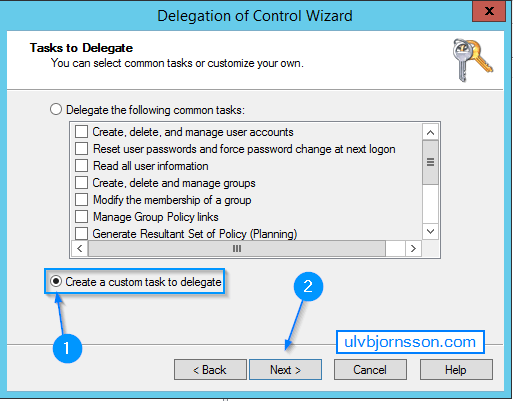
Tasks to Delegate – Hit Create a custom task to delegate. Hit Next.
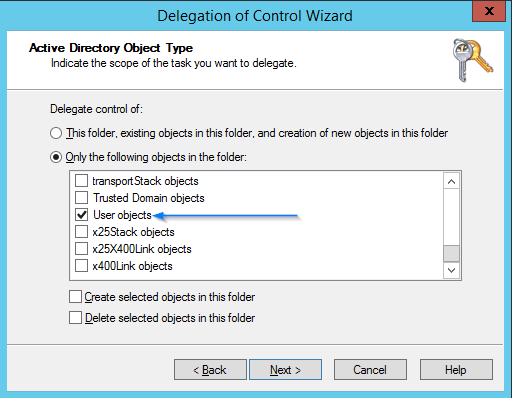
Choose Only the following objects in the folder and mark the checkbox User Objects. Hit Next.
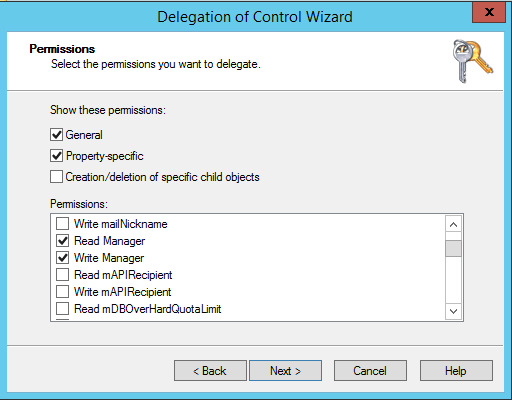
Permissions – Mark “General“, “Property-specific” and “Read Manager” as well as “Write Manager. Hit Next.
Hit Finish.
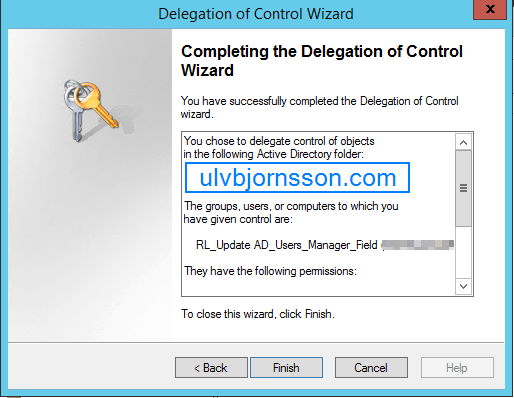
You’ve now delegated control to edit the “Manager“-field on user objects in the “User“-container to the security group called RL_Update AD_Users_Manager_Field.
Now to ensure that it actually works, we fire up a VM:
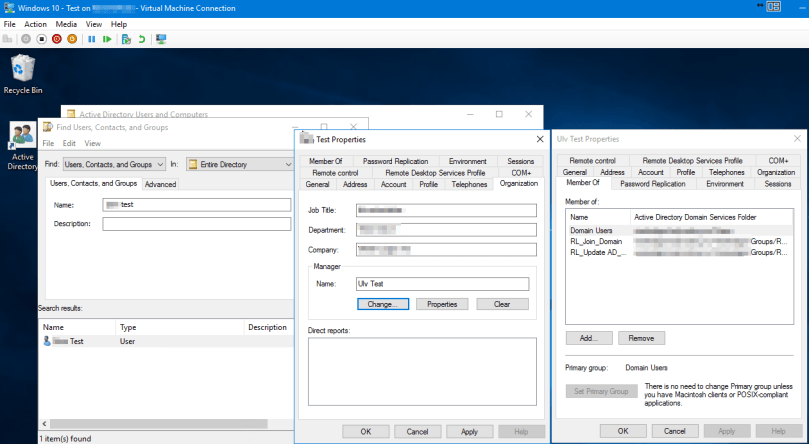
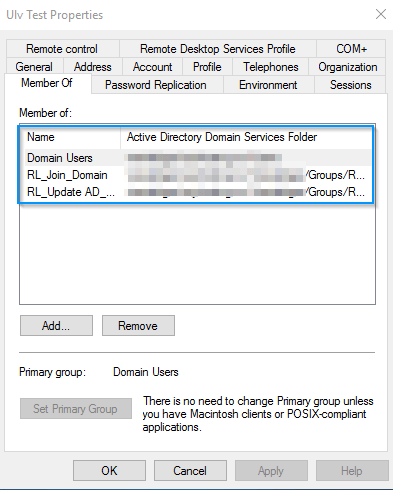
As you can see, my test account is a regular Domain User, with the added on delegate role security groups.
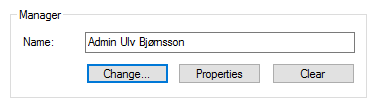
And has been able to change Manager to “Admin Ulv Bjørnsson” proving that the delegated roles work.
Success!
 musings of a consultant